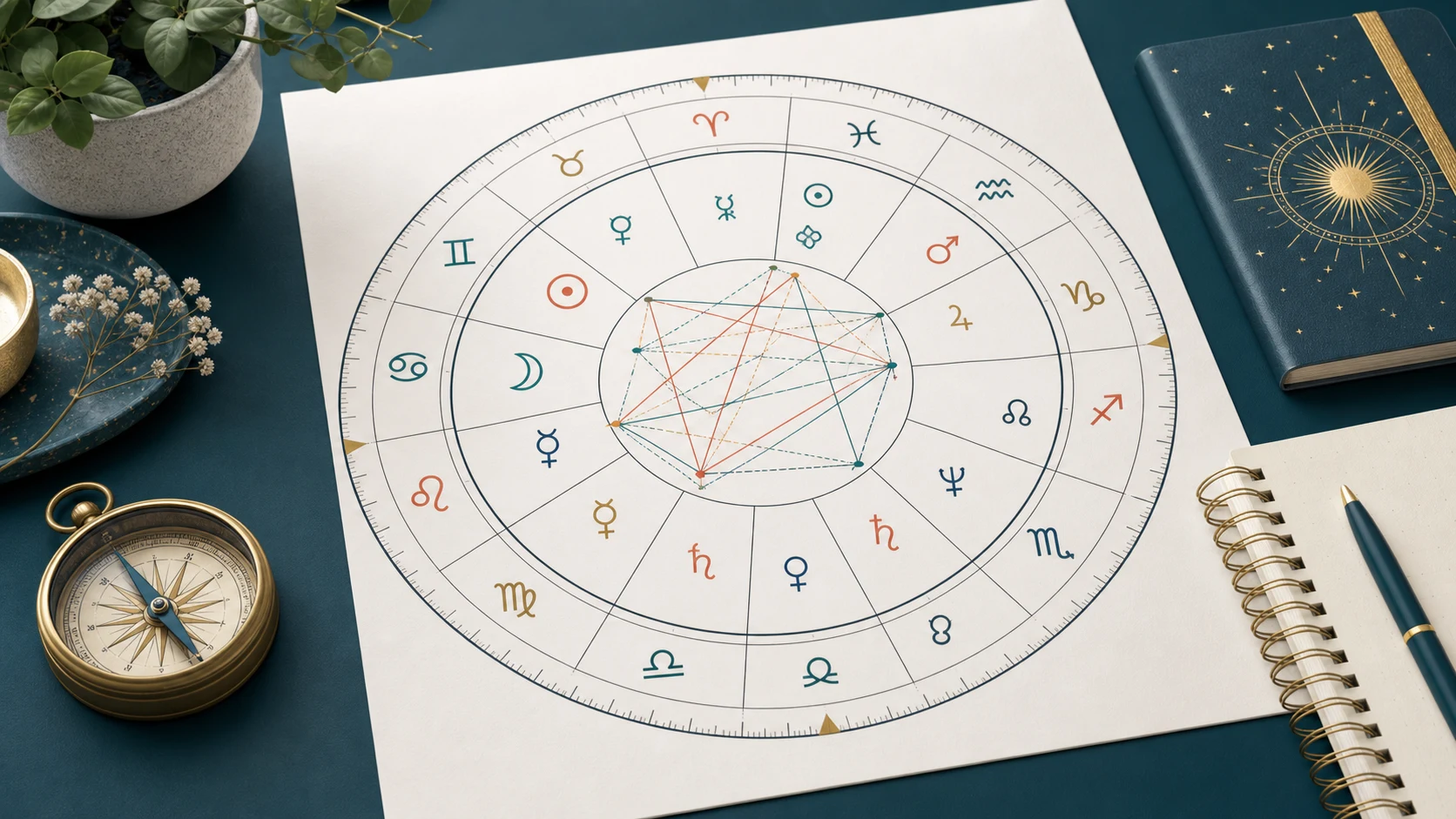
Choose an astrology app by testing what it actually does before judging its visual style or promises. A trustworthy option should explain the information it needs, make its calculation choices visible, disclose how data is handled, show the full price and renewal terms, provide an understandable cancellation path, and keep reflective content separate from medical, legal, financial, or deterministic claims. Use the free experience first and pay only when the added value is specific.
1. Define the job before comparing apps
Start with one sentence: “I want this app to help me ___.” The blank might be learning symbols, calculating placements, keeping reflection notes, comparing interpretations, or receiving short daily prompts.
This matters because an app can be strong at one job and weak at another. A beautiful daily prompt does not prove calculation accuracy. A technically detailed calculator may not be the best journal. Avoid buying a broad subscription when you only need one narrow tool.
2. Look for calculation transparency
The app should tell you which inputs affect its result and what happens when an input is uncertain. For time-sensitive calculations, check whether it:
- asks for date, recorded local time, and birthplace;
- identifies the selected house system or other calculation option;
- preserves an “unknown time” path instead of inventing precision;
- explains why two tools may show different house placements;
- lets you review or correct the original inputs.
Do not treat a polished wheel as proof by itself. Generate the same result in a second reputable tool, using the same inputs and settings, and investigate meaningful differences before paying.
3. Read the store privacy label and the privacy policy
On Apple platforms, the App Store privacy section can show which data types a developer says the app may collect, whether data may be linked to you, and whether it may be used to track you. Google Play provides a Data safety section that summarizes collection, sharing, security, and deletion practices.
These labels are useful comparison tools, but they are developer disclosures rather than a complete technical audit. Open the linked privacy policy too. Look for concrete answers about account data, location or birthplace, user-written content, analytics, advertising partners, retention, deletion, and contact details. A vague policy that never names the actual product is a warning sign.
4. Compare permissions with the feature you requested
Ask whether each permission is necessary at the moment it appears. A location permission may be convenient for choosing a current city, but manual city entry should often be possible. Contacts, microphone, photos, or precise background location require a clear feature-level reason.
Prefer an app that asks in context, explains the benefit, and still offers a usable path when an optional permission is declined. Check whether the privacy label, policy, and actual permission prompts tell the same story.
5. Find deletion and export controls before creating history
If the app stores profiles, notes, readings, or uploaded content, locate the deletion and export paths before adding sensitive material. Confirm whether deleting an account also deletes saved content, and whether the company describes any retention required for fraud prevention, billing, or legal compliance.
Google Play explains that apps offering account creation must provide an in-app account-deletion path and a web resource for requesting deletion. Even when no account is required, the privacy policy should explain how associated data can be removed or corrected.
6. Calculate the real subscription cost
Write down four facts before starting a trial:
- the price after the trial;
- the billing period;
- the renewal date;
- the cancellation route.
Treat “per week” and “per month” as different products, not small typography. Check whether paid credits expire, whether unused credits roll over, and whether deleting the app cancels the subscription. On iPhone and iPad, Apple-managed subscriptions can be reviewed in Settings under your account’s Subscriptions area.
The FTC has documented subscription interfaces that hide costs, create false urgency, or make cancellation harder than enrollment. If the checkout relies on countdowns, preselected upgrades, unclear virtual currency, or several screens that obscure the final price, stop and reassess.
7. Test the free output for specificity and uncertainty
A useful free result should show enough method to evaluate the product. Check whether it uses the data you supplied, distinguishes calculation from interpretation, and acknowledges uncertainty when inputs are incomplete.
Watch for generic paragraphs that could apply to almost anyone, contradictory claims across repeated runs, or artificial urgency designed to unlock the next screen. Personalization should make the reasoning more inspectable, not merely insert a name into a template.
You can test this principle with the free ZodiaGlow chart tool before considering any paid reading.
8. Check the safety boundary
Reflective content should leave room for choice. It should not diagnose a condition, tell you to stop treatment, guarantee money or a relationship outcome, predict death or pregnancy, or present fear as a reason to pay.
Read one difficult-topic example before subscribing. Look for calm language, uncertainty, practical reflection prompts, and a clear direction to qualified help when a topic belongs to a professional domain. Entertainment and self-reflection labels do not excuse manipulative or harmful claims.
9. Inspect localization, accessibility, and support
Switch to the language you will actually use. Check whether navigation, prices, privacy choices, cancellation guidance, and safety notices are translated, not only the marketing headline. Test text size, screen-reader labels, contrast, keyboard behavior where relevant, and whether important controls work without relying on color alone.
Finally, review the support route, update history, and correction process. A responsible product should provide a reachable contact method and correct material errors rather than silently changing the date.
A ten-minute comparison worksheet
Score each candidate from zero to two on these five dimensions:
| Dimension | 0 | 1 | 2 |
|---|---|---|---|
| Method | hidden | partly explained | inputs and choices visible |
| Privacy | vague | label only | label, policy, controls align |
| Pricing | unclear | price visible | renewal and cancellation clear |
| Output | generic | partly specific | specific with uncertainty |
| Safety | deterministic | mixed | reflective with firm boundaries |
A high total does not certify an app. It simply makes tradeoffs visible and gives you better questions to ask.
Sources and scope
- Apple App privacy details explains the App Store privacy disclosures and third-party data responsibilities.
- Google Play Data safety explains what users can inspect before installing and how account deletion is presented.
- FTC dark-pattern report documents subscription and interface patterns that can obscure cost or choice.
Store labels and policies describe practices; they do not independently prove every technical behavior. Astrology interpretations are traditions for entertainment or reflection, not scientifically established measures or professional advice.
Try the method before paying
Read the safe astrology app selection guide, then open a free tool and score the experience with the worksheet above. Pay only when the product explains what the paid layer adds and that value matches the job you defined.